




Savaspin Mobile Application
The Savaspin app gives players quick access to the casino from any device. We make mobile play secure and easy to start. Players can open their accounts without long setup steps and continue their sessions with a stable casino experience.
The Savaspin is built for different playing styles. Players can choose the games they like, switch between devices and use one account everywhere. They can also manage their rewards and payments in a clear way.



Benefits of the Savaspin Mobile App
The Savaspin app focuses on speed and comfort. Savaspin Casino is mobile-friendly and easy to use during short breaks. Players can open the lobby quickly and continue their session without using a PC. The account area and cashier also stay available from the same device. A desktop screen gives players more space. It is a good option for longer sessions because the casino layout feels wider and easier to view.
| Feature | Mobile app | PC play |
| Access | Open Sava Spin from the home screen or browser in seconds | Open the full lobby in a desktop browser |
| Best use | Short sessions, quick spins, account checks, bonus checks | Longer sessions, larger game view, detailed account tasks |
| Game display | Touch-friendly play for slots such as Royal Joker: Hold and Win and All Lucky Clovers 100 | Larger screen for Blackjack, Plinko, roulette-style games, and live tables |
| Security | No unknown file kit, HTTPS access, encrypted transactions, and account login controls | Stable browser session with the same account protections |
| Updates | Web updates arrive through the site, so players do not manage manual app files | Browser refresh gives the latest Savaspin casino content |
| Limitations | Older phones can load large games more slowly | PC play needs a fixed device and is less flexible |
We keep the mobile app useful for the actions players repeat most. You can return to Coin Strike XXL, check free spins, open the FAQ, or contact the Support Team from the account area. If live chat appears in your account, use it for quick help. For longer account questions, add clear details about your device, browser, payment method, and the issue.
Savaspin Android Mobile App
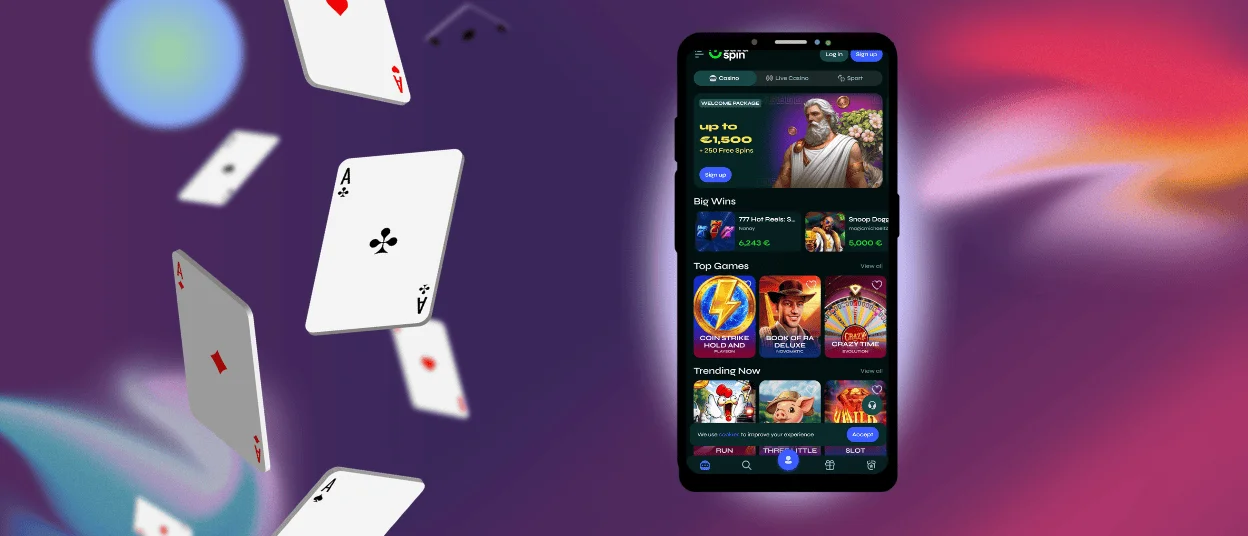
The Savaspin app for Android works best as a browser-based mobile casino experience. Open Savaspin Casino in Chrome or another modern Android browser, sign in, and add the page to your home screen when your browser offers this option. This gives fast access without a separate APK from an unknown source.
Sava Spin keeps the same account logic on mobile and desktop. You do not need a second profile. Use your registered email and password, keep them private, and complete your account details with correct information. This helps our Support Team protect your account and supports a smoother verification process when withdrawals or security checks require documents. A stable Wi-Fi or mobile data connection also matters because casino games use graphics, sound, and real-time account data.
PWA Installation
A PWA-style Savaspin app gives players a safe and simple way to open the Sava Spin casino from a mobile device. It works through the browser, so players do not need to download a separate APK file or install software from unknown sources.
This setup offers several clear security benefits:
- Sandboxed browser environment: PWAs have limited access to device-level resources such as contacts, storage, camera, and other private data. This lowers exposure if an attack happens.
- No file kit downloads: Players do not install APK files or extra software, so the risk of malware from unofficial downloads stays lower.
- HTTPS access: PWAs run over HTTPS, which supports encrypted data transfer by default. The overall level of protection also depends on the website’s backend infrastructure, encryption standards, and other security measures.
- Automatic security updates: Players always access the current web version of Savaspin Casino. This reduces the risk of using an outdated or vulnerable app version.
To install the Savaspin app as a PWA, open the official Savaspin website in your mobile browser. Then use the browser menu to add Sava Spin to your home screen when this option appears. The shortcut gives fast access to the mobile casino, online slots, account tools, and the Support Team.
Mobile Application for iOS
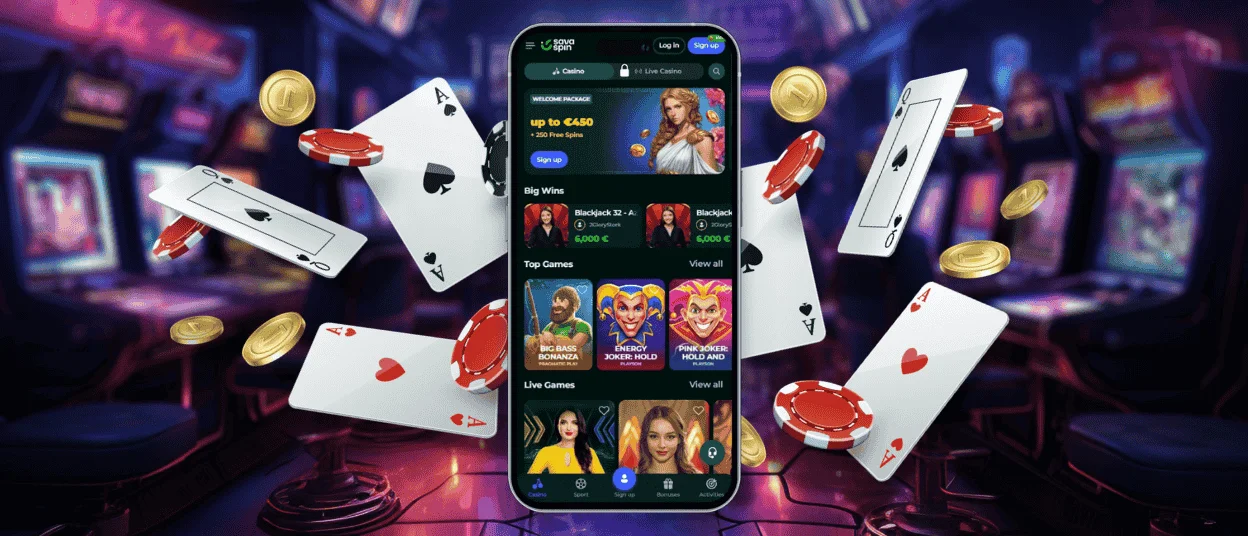
The Savaspin app on iPhone and iPad follows the same practical idea. Open Savaspin casino in Safari, log in, and use the share menu to add Sava Spin to the Home Screen when your browser supports it. The icon then gives direct access from your device, similar to a regular app shortcut.
The mobile version of Savaspin Casino helps players move through the site faster. The lobby opens smoothly, and the account area stays easy to reach during play. Players can enjoy casino games, check their balance and update account details without switching to a PC. If you’re an iOS user, update Safari, use strong passwords, and don’t save login details on shared devices.
During the verification process, the casino may request ID documents. Common documents are a passport or ID card, proof of address such as a utility bill or bank statement and sometimes proof of payment method. This allows the KYC Team to review the documents without any further delays.
Sava Spin App for Windows and macOS
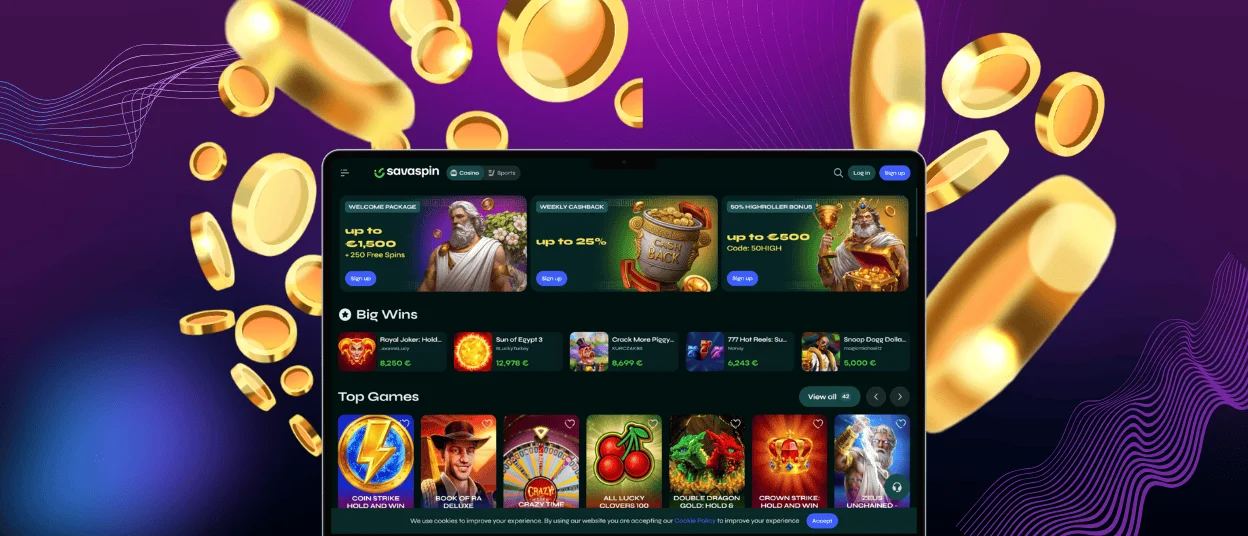
The Savaspin app for Windows and macOS works best as a desktop browser shortcut. Open Savaspin Casino in Chrome, Edge, Safari, or another updated browser, then create a shortcut or install the web app if your browser offers that option. This keeps Sava Spin close on your desktop without adding risky files from outside sources.
Desktop play gives more space for the lobby. It suits players who want a full view of game categories, promotions, and account pages.
Sava Spin on the desktop also helps with account tasks. If you need to upload KYC files, read bonus terms, or check payout rules, a larger screen can make the process easier. Savaspin supports payouts through Visa and Mastercard, where available. Withdrawal processing can take up to 72 hours after the request passes internal checks, and the final arrival time depends on the payment method.
FAQ
How do I upgrade the Savaspin app?
The Savaspin app uses the web route, so you don’t normally download a new file. Update Chrome or your preferred browser on Android. On iOS, update Safari in the system update. If webpages are not loading properly, update your browser and clear your cache (on Windows or macOS).
Can I play the same games on mobile as I do on desktop?
Yes, Savaspin Casino uses the same account and lobby setup across devices. Availability of games may still differ depending on your country, provider rules, screen size and connection quality. A lot of the online slots are quite mobile-friendly, while those with detailed tables or live layouts might be more comfortable on a PC.
Will the PWA work properly on older devices?
The Savaspin app will work on many older devices if the browser is updated and the internet connection is stable. Big games may load more slowly on old phones, low-memory tablets or poor networks. For the best gaming experience, close unused apps and use Wi-Fi whenever possible. If your device struggles with advanced graphics, opt for lighter games.


